How to grant Influ2 advertiser-level access to Facebook
Last updated: April 20, 2026
To enable Influ2 to run ad campaigns on your behalf, you need to grant advertiser-level access to your Facebook page.
This can be done in two ways:
Through your Facebook Business Page
Through Meta Business Suite
Your Influ2 Implementation Manager (IM) or Customer Success Manager (CSM) will initiate this by sending access requests. Once sent, you'll receive an email notification and can approve the access using one of two methods.

Option 1: Grant access via your Facebook business page
Make sure you're listed as "Admin" of your Facebook business page.
Go to your Facebook business page and click Settings.

In the search bar, type Page Access.
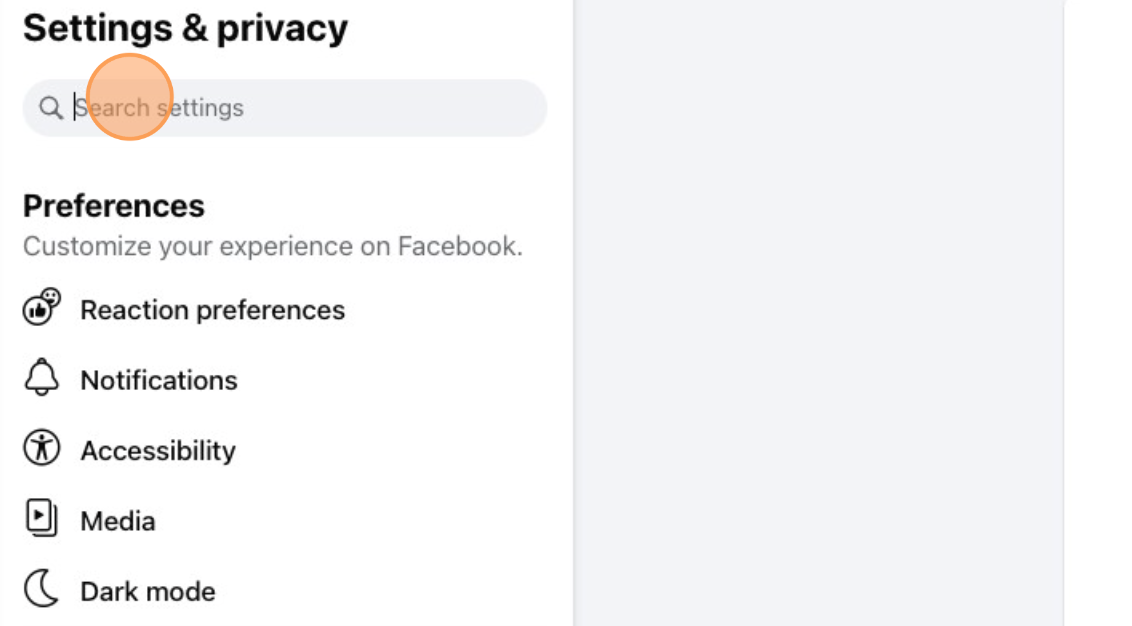
Click Page Access to review the requests.
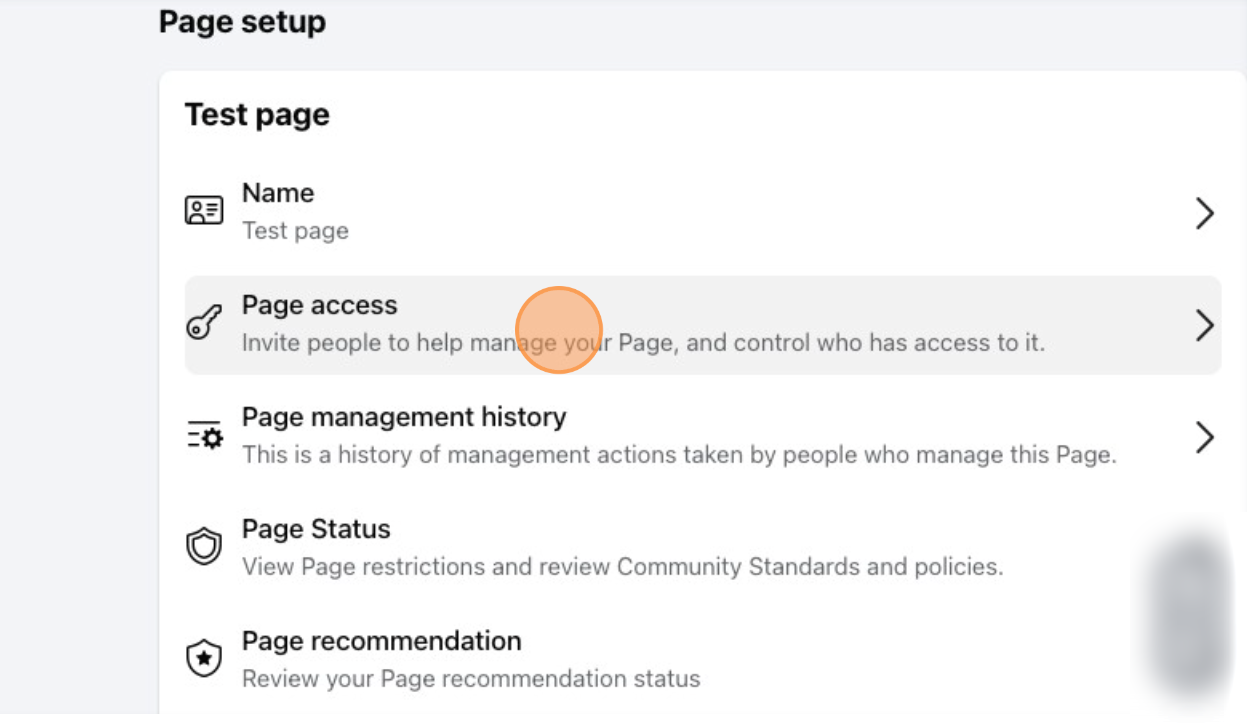
Scroll down to Pending Access Requests and click Review Request → Next.

Confirm the request details—verify that it originates from Influ2 and matches the IDs/names provided by your IM or CSM.
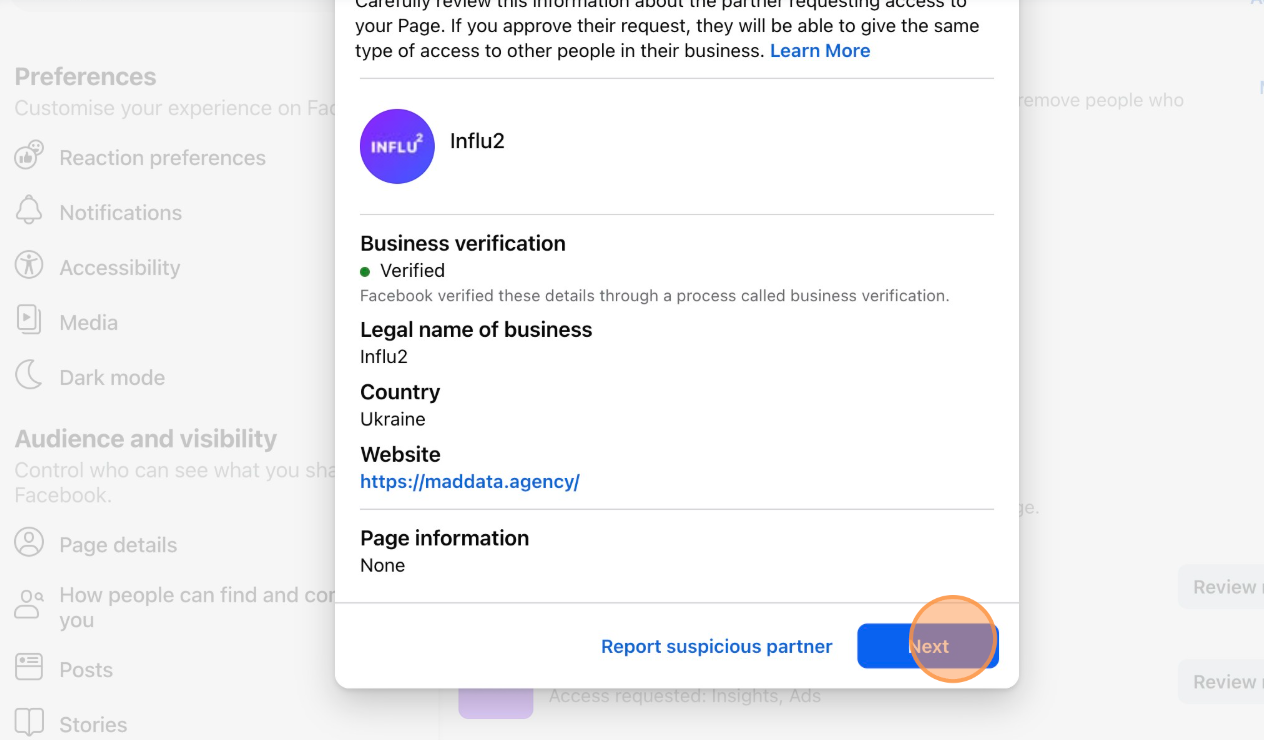
Click Accept to grant access.

Done! Influ2 now has advertiser-level access to your page.
Option 2: Grant access via Meta Business Suite
Make sure you're listed as "Admin" of your Meta Business Suite account.
Log in to Meta Business Suite and click Settings.

In the left-side menu, scroll down to Requests and open the Received tab.

Click Respond to review the details.

Confirm the request details—verify that it originates from Influ2 and matches the IDs/names provided by your IM or CSM.
Click Approve to grant access.

Done! You've successfully granted Influ2 advertiser-level access.
FAQs
How can I check if I have admin access in Meta Business Manager?
To confirm your role:
In the top-left dropdown, select your Business Account.
Navigate to Users → People and find your name.

You should have "Full Control" if you need to approve requests.

How many ad slots does Influ2 use on Facebook?
Influ2 typically uses up to 250 ad slots to run campaigns efficiently. If your internal team also runs ads separately, let your Implementation Manager or Customer Success Manager know how many slots can be allocated to Influ2.