How to create a new Facebook page to run Influ2 ads
Last updated: April 20, 2026
To run ads via Influ2 on Facebook, you need a Facebook page connected to your Business Manager account. If you don't already have a suitable page, here's how to create one.
Before you start
Make sure you have admin access to your Business Manager account and permission to create or manage pages.
Create a new Facebook page
Go to Facebook's Create a Page.
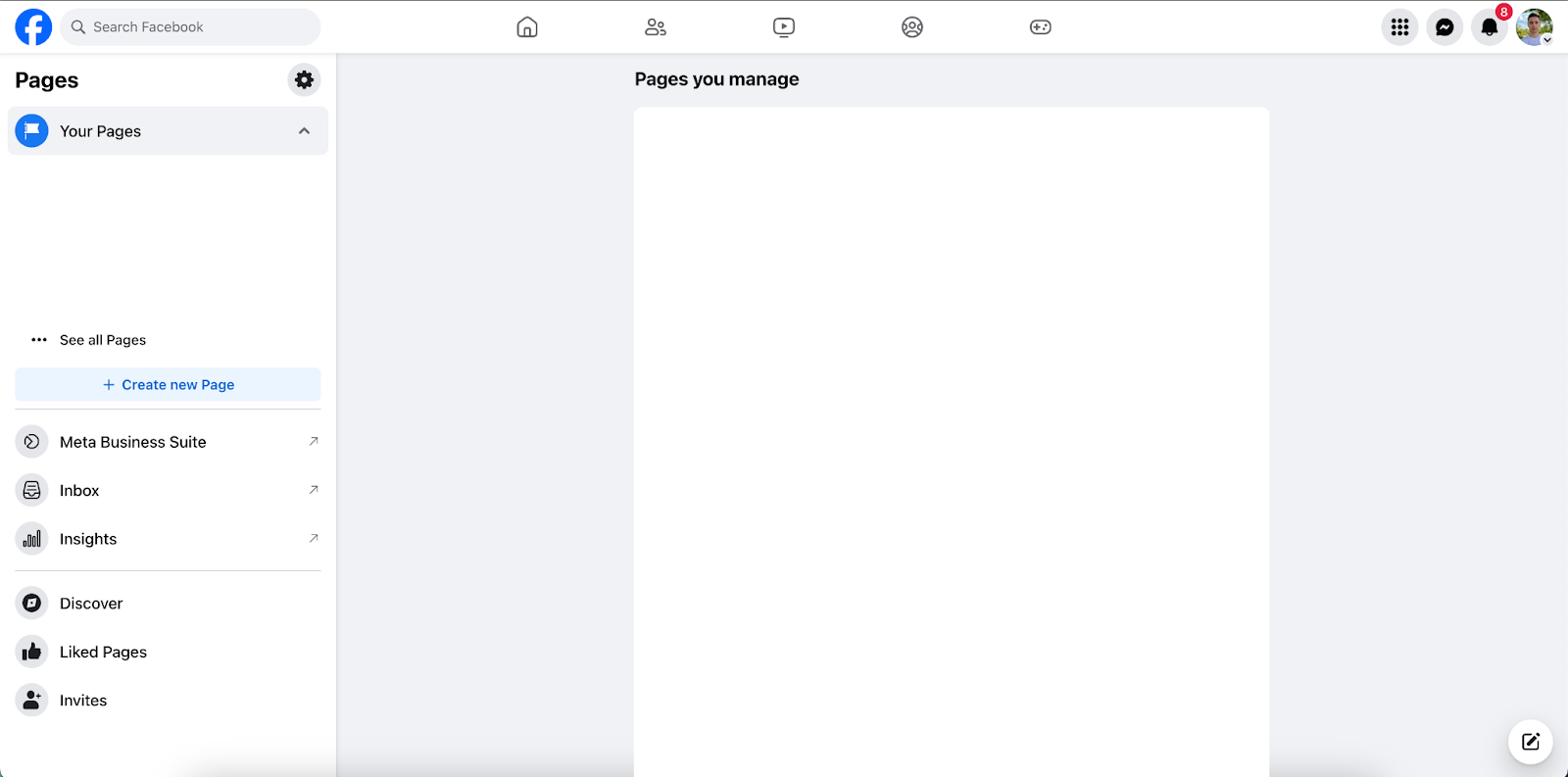
Select the page type (e.g., Business or Brand).
Enter your page name and category (e.g., "Marketing Agency," "Software Company"). Make the page name unique—examples: "Influ2," "Influ2 US," "Influ2 Global."

Specify contact details and location.

Add a profile picture, cover photo, and relevant business details.

Click Create Page when you're done.

Make sure your page is set to "public."
Consider verifying your business or page through Facebook's verification process to prevent ad restrictions.
Copy recent content to your new page
Visit your existing Facebook page.
Copy 5–7 recent posts that best represent your brand. (These can include images, videos, or text posts.)
Paste and publish them on your new page to give it a professional, active appearance. Adjust the date or caption if needed for context.
Keep in mind: Only reuse content you own or have rights to. Make sure visuals and tone match your brand identity.
Add the page to Business Manager
Log in to Facebook Business Manager.
Follow the steps in How to add a Facebook page to Business Manager to add your new page.
Once your page is added to Business Manager, accept Influ2 advertiser-level access requests so Influ2 can use it for campaigns. See How to grant Influ2 advertiser-level access to Facebook.
Final checklist
[ ] Page is public and active
[ ] You have admin access
[ ] Page is added to Business Manager
[ ] Connected to the correct Ad Account
[ ] Influ2 has Partner access
[ ] Page has several posts and profile visuals